Microsoft 365

Copilot & License Optimization

See every Microsoft 365 user license in your tenant, uncover unused licenses, measure application adoption before renewal, and see which users are ready for Copilot.

START FOR FREEREQUEST DEMO
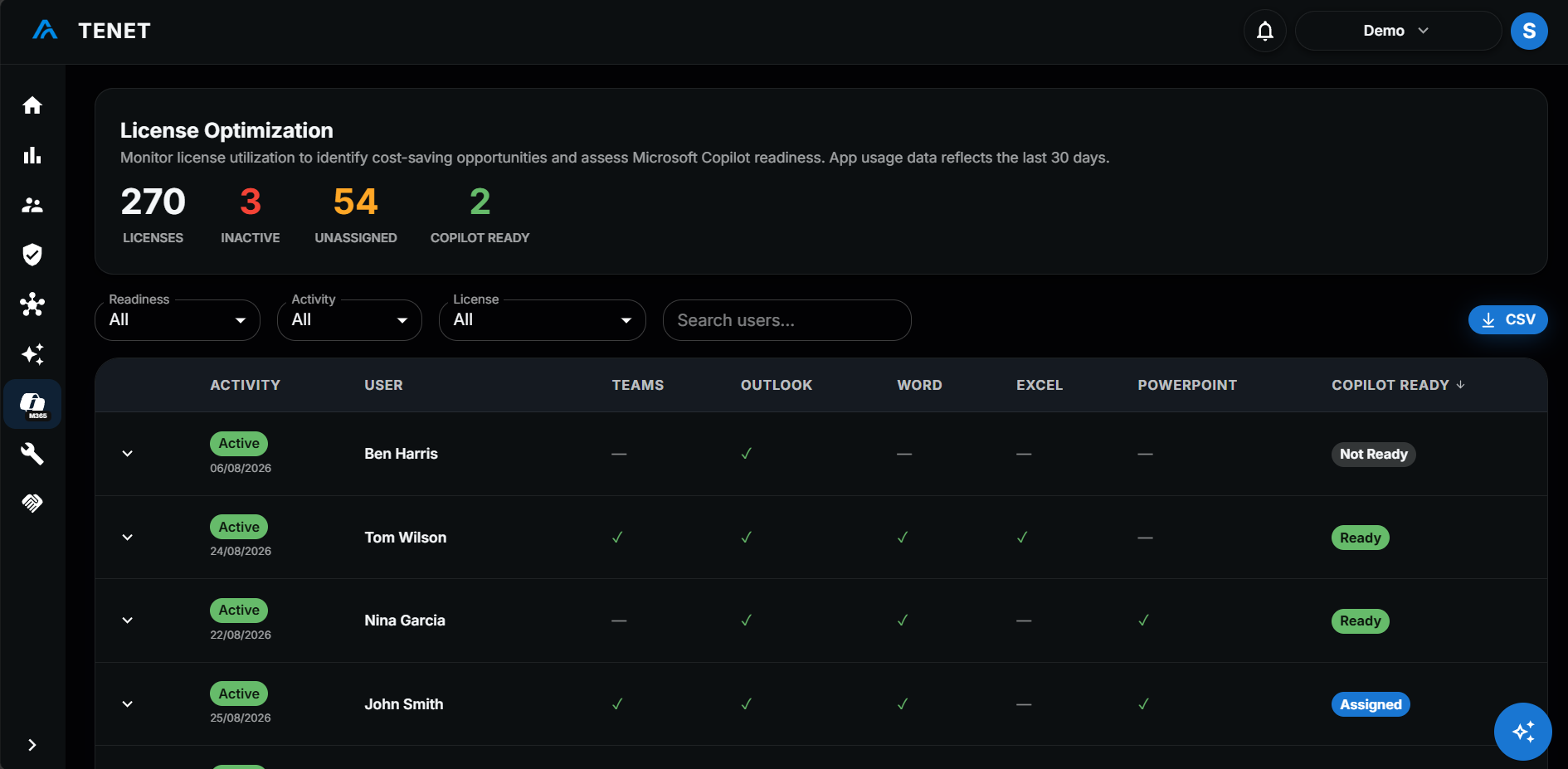
TENET License Optimization view showing Microsoft 365 license usage and Copilot readiness by user
M365 License Overview38 Unused
Alice Johnson
E3 · Copilot
Active
James Doe
Business Premium
Inactive
Bob Martinez
Business Standard · Copilot
Active
Sarah Kim
Business Basic
Inactive
M365 Licenses

License Inventory

Every Microsoft 365 user license is listed with the user's activity status. Summary counts show total seats, inactive users and unassigned seats.

Unused Licenses

Unused License Discovery

Unassigned seats and inactive users are counted in the summary, so you can see which licenses could be reclaimed. Filter the table by activity to see who is inactive.

License summary
120
Total seats
18
Unassigned
38
Inactive users
Last activity by app
UserTeamsOutlookWord
Alice JohnsonTodayToday3 days ago
James DoeNever48 days agoNever
Bob Martinez1 day agoToday2 days ago
Adoption

Adoption Measurement

Each user's last activity is shown for Teams, Outlook, Word, Excel and PowerPoint, with OneNote, OneDrive and SharePoint in the expanded row. Use it to judge adoption before renewal.

Copilot

Copilot Readiness

Users are marked Assigned, Ready or Not Ready. Ready means active in 5 or more of the 8 tracked Microsoft 365 apps. Download a Copilot Readiness Report to share the results.

Copilot readiness
AssignedAlready holds a Copilot licence
ReadyActive in 5 or more of the 8 tracked apps
Not ReadyNot enough Microsoft 365 activity

One view of cloud risk

Use TENET to monitor, prioritize, and remediate risk across your Microsoft estate from one operational platform.

FREE ASSESSMENTREQUEST DEMO