
Improve Your Cloud Security Based On Facts
Assess your organization's Azure and Microsoft 365 security posture in just five minutes with this free Cloud Security Self-Service Assessment. Receive prioritized recommendations that help you take the most effective remediation actions. It's the essential first step toward protecting your organization from cyber threats efficiently and with confidence.
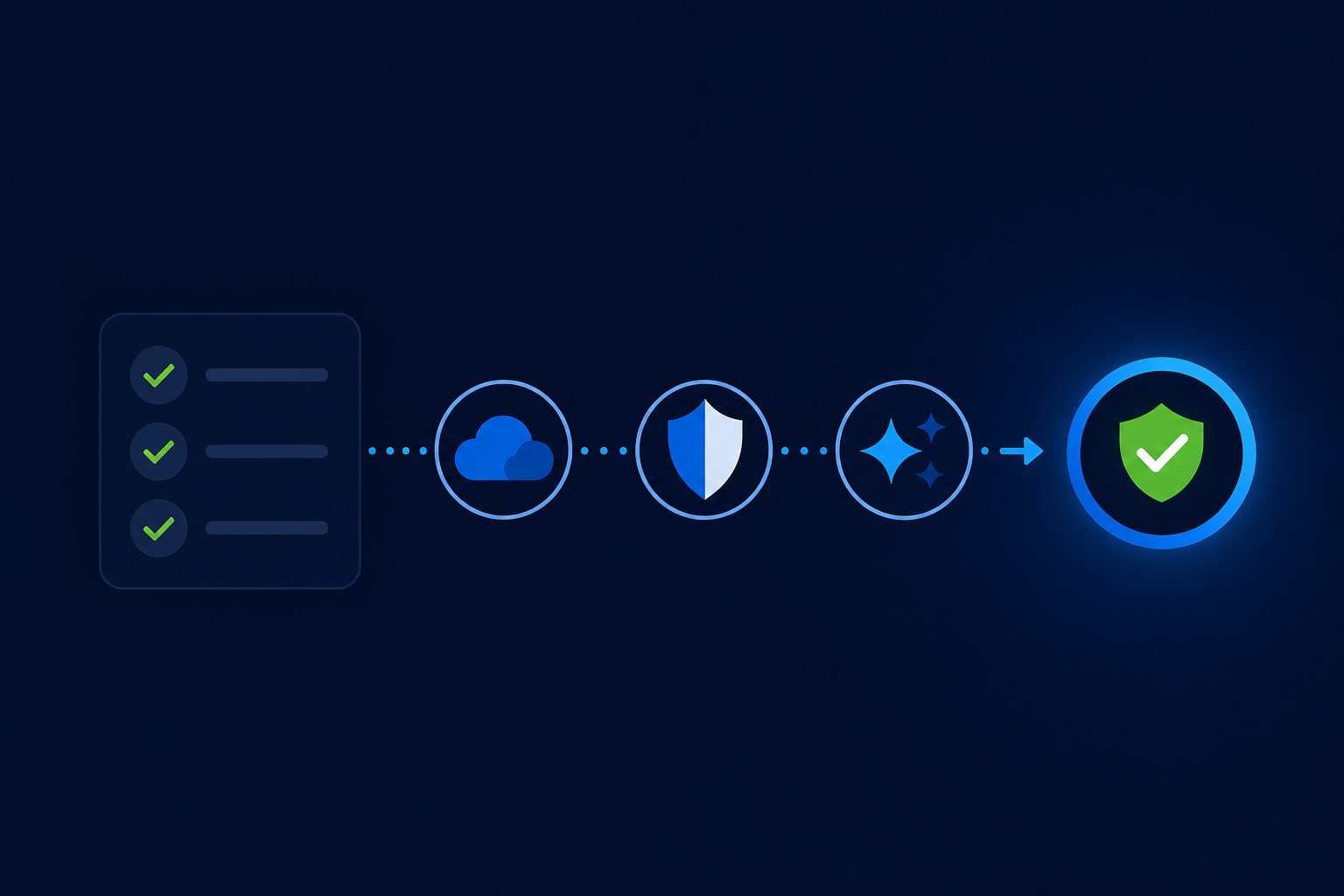
Why This Assessment
Why take a Cloud Security Self-Service Assessment?
Building cloud resilience starts with understanding your current security posture.
Know Your cloud Security Posture
Cyber resilience starts with visibility. Understanding your security posture before attackers identify a weakness is critical to protecting your organization and surviving a cyber-attack.
Keep Critical Operations Running
Ensure your essential business processes remain available and secure. Gain the insights needed to identify and address security risks before they impact your operations.
Enable Secure Modernization
Modernize your organization with confidence. Understand how cloud services, AI, and new technologies impact your security posture, so you can embrace innovation without compromising your security.
The evolving threat landscape demands greater agility.
A proactive and strategic approach, supported by intelligent security processes, enables organizations to protect critical operations, maintain continuous visibility, and respond to incidents quickly and effectively while minimizing disruption to business productivity. Achieving this requires a risk-aware, intelligent solution built for the complexities of modern cloud environments.
Cloud Security Self-Service Assessment
This Cloud Security Self-Service Assessment is offered to you free of charge to help you understand what your cloud security maturity is today. It is a simple and quick exercise providing you with valuable insights and recommendations. To complete the assessment, we need around 5 minutes of your time. It is a great starting point to work towards cloud resilience.
Assessment process
How it works
The Self-Service Assessment will guide you through a simple process.
Step 1
When you click start assessment, you will be guided through two setup screens and asked to confirm that you have an account with the required access and permissions.
Step 2
Confirm the prerequisites are in place, then sign in with the designated account and consent to TENET creating a read-only service principal for the assessment.
Step 3
TENET securely collects and analyzes data from your environment to generate reports highlighting security gaps, risks and optimization opportunities across your estate.
Step 4
Cloud security, compliance gap and copilot readiness reports are ready to download, in multiple languages, including English, Polski, Deutsch, Nederlands, Français, Italiano, and Español.
What about my data?
Your data is used exclusively to provide you with relevant insights and recommendations that help improve your cloud security posture. We do not share assessment data with any third parties, and all information is handled in accordance with our data retention policies. All data collected during the assessment is stored in a dedicated, isolated environment built specifically for managing these assessments. During the analysis process, your data goes through a controlled workflow that includes data extraction and clean up, enrichment, analysis, and encrypted transfer back to that dedicated environment. If you would like additional information, please visit our FAQ.
FAQs
Find answers to the most common questions about the Self-Service Assessment. Select a topic below to get started.
Select a topic below
What is the Self-Service Assessment?
What is Self-Service Assessment?
The Self-Service Assessment is offered to you free of charge to help you understand your current Azure and Microsoft 365 security posture. It is a simple and quick exercise that provides valuable insights and recommendations. This is a great starting point for working towards cloud resilience.
What is the output of this Self-Service Assessment?
A 14-day TENET trial account is created for you automatically. Sign in to TENET with the same Microsoft account to see your results across the platform — prioritized recommendations, risk findings, and downloadable reports — rather than a single static report.
What languages are the reports available in?
You can download your Cloud Security, Compliance, and Copilot Readiness reports in English, Polski, Deutsch, Nederlands, Français, or Italiano — just choose a language from the dropdown before downloading.
Is this an official Cybersecurity Audit?
No. This Self-Service Assessment is meant to provide you with quick insights into your security position based on essential cloud security controls. While it will help you make security improvements effectively, the results of this assessment do not serve as a cybersecurity audit or prove compliance with local regulations or security frameworks.
Is the Self-Service Assessment relevant to me?
If you worry about your organization’s cybersecurity position and you would like to receive relevant insights and recommendations with only a small effort; yes, it is! Cybersecurity incidents are all too common, and many organizations do not have adequate resources to safeguard the data they need to operate. This assessment will help you understand your cybersecurity position and make effective improvements.
Does any type/size of customer fit Self-Service Assessment?
The Self-Service Assessment will be of help to anyone who wants fact-based recommendations to improve their Azure and Microsoft 365 security position. If you work for a larger organization and want a guided, in-depth review instead, you can book a free expert assessment with TENET rather than running the self-service version.
Do I need assistance in performing the successful scan?
No separate scan setup is needed. If you can sign in as a Microsoft admin and grant the requested permissions, you can run the assessment yourself. TENET creates an Entra application registration and service principal, but does not install an endpoint agent. Your Microsoft sign-in credentials are never shared with TENET.
Why is the Self-Service Assessment offered free of charge?
Security is a team sport, and we’re all in this together. It is our commitment to help every organization understand its security position, so we offer this Self-Service Assessment free of charge to provide recommendations that effectively improve your security posture.
What are the sources the Self-Service Assessment collects information from?
The Self-Service Assessment reads directly from your Microsoft 365 and Azure environment via Microsoft Graph and Azure APIs — there is no separate endpoint agent, local Active Directory scan, or email DNS scan involved.
What is the estimated time investment to run the Self-Service Assessment?
Most organizations complete the assessment in about five minutes. Larger environments can take a little longer while the scan finishes — you can leave the page open and it will update automatically.
Do I need to complete the assessment in one go?
Yes. The assessment runs as a single, continuous sign-in and scan. If you close the window partway through, progress isn’t saved — simply start again from the Self-Service Assessment page.
What kind of access rights are needed for the Self-Service Assessment?
You’ll need to sign in with a Microsoft admin account and grant the read-only permissions shown on Microsoft’s consent screen. No credentials are ever entered into or stored by the Self-Service Assessment platform — the sign-in happens entirely through Microsoft.
Self-Service Onboarding
How do I register for the Self-Service Assessment?
Select ‘Start Your Assessment’ on the home page. A Microsoft sign-in window opens immediately — there’s no separate registration step or email to wait for.
Why do I get a Microsoft Consent and what is it?
The Microsoft sign-in window asks you to approve the read-only permissions TENET needs to read your Azure and Microsoft 365 configuration. TENET creates an Entra application registration and service principal to use those permissions; it does not install an agent or modify your workloads.
What do I need before I start?
You’ll need a Microsoft account with the Global Administrator or Privileged Role Administrator role in your tenant — that’s the role Microsoft requires to approve the consent.
What if the Microsoft sign-in window doesn’t open?
Your browser may have blocked the pop-up. Allow pop-ups for this site and select ‘Start Your Assessment’ again.
Data handling and Privacy
What information is stored in the Self-Service Assessment platform?
Information collected during your assessment is isolated to your organization and is not combined with any other customer’s data.
How is my data analyzed?
Data read from your Microsoft 365 and Azure environment goes through a controlled process — cleanup, enrichment, and analysis — to produce your recommendations. Data is encrypted at rest and in transit throughout.
Who has access to the collected data?
Access to customer data is limited to what’s required to deliver the service, and administrative access is logged.
What level of protection is offered?
Your data is encrypted at rest and in transit, and kept isolated from other customers’ data.
Are my corporate credentials stored in the Self-Service Assessment platform?
No. The assessment never asks for or stores your credentials — sign-in happens entirely through Microsoft’s own consent screen, and TENET only receives the read-only access you approve there.
How long is my data stored in the Self-Service Assessment platform?
If your trial does not continue into a paid plan, TENET removes the assessment tenant record and stored connection credential within 21 days of the assessment. Account and associated tenant data are permanently deleted 90 days after the trial subscription is cancelled, unless the account is reactivated or retention is required by law. If you continue as a TENET customer, your data is retained for as long as you remain a customer.
Is personal data stored in the Self-Service Assessment platform?
The assessment stores the profile of the admin who signs in (name, email, and organization name) to set up your trial account, along with the standard Microsoft 365 and Azure identity data covered by TENET’s regular product privacy documentation.
Does the Self-Service Assessment use my corporate information for other purposes?
Your data is used exclusively to provide you with insights and recommendations to improve your security position. It is not shared with third parties.
How does the solution create the AI recommendations?
Recommendations are generated by TENET’s own systems from your assessment data. Your data isn’t shared with third parties and isn’t used to train any shared or external AI models.
Microsoft Cloud Scan methodology
How does the Self-Service Assessment retrieve data from my Microsoft Cloud tenant?
After you approve the Microsoft consent, TENET reads your Azure and Microsoft 365 configuration directly via Microsoft Graph and Azure APIs. There’s no local application to download or run.
What level of permissions are set for the Microsoft Cloud scan?
TENET requests read-only Microsoft Graph and Azure permissions — the same permissions used for TENET’s standard onboarding. No write access is ever requested.
Are the provided permissions revoked after the scan takes place?
No — unlike a one-off scan, the Self-Service Assessment sets up the same ongoing, read-only connection TENET uses for continuous monitoring, so your results stay available in your TENET account afterward. Removing the tenant from TENET removes TENET’s stored connection credential; to remove the Entra application registration itself, remove it in Microsoft Entra.
Why does the Microsoft Cloud scan take long for some tenants?
Larger environments — more users, groups, subscriptions, and resources — simply take longer to read and analyze. You can leave the page open; it updates automatically as each stage completes.
Additional information
The Self-Service Assessment methodology
The Self-Service Assessment provides insights into your organization’s cybersecurity posture and actionable items to mitigate the discovered risks. It’s built by TENET, a Microsoft-focused Cloud Risk Intelligence Platform trusted to continuously monitor Azure and Microsoft 365 risk, and consists of a set of automated scans of your environment. It’s the perfect way to start improving your essential cybersecurity controls based on facts, with only a limited effort.
What is Zero Trust?
The Zero Trust Architecture principles are defined by The Open Group, a global consortium that enables the achievement of business objectives through technology standards. The principles are product-agnostic, and TENET maps its recommendations to the relevant Microsoft products and Microsoft’s Zero Trust Reference Architecture. More information can be found at theopengroup.org and microsoft.com/en/security/business/zero-trust.
What are the Zero Trust Principles?
The Zero Trust Principles are:
1. Verify explicitly
Always authenticate and authorize based on all available data points, including user identity, location, device health, service or workload, data classification, and anomalies.
2. Use least privileged access
Limit user access with just-in-time and just-enough-access (JIT/JEA), risk-based adaptive polices, and data protection to help secure both data and productivity.
3. Assume breach
Minimize blast radius for breaches and prevent lateral movement by segmenting access by network, user, devices, and app awareness. Verify all sessions are encrypted end to end. Use analytics to get visibility, drive threat detection, and improve defenses.
Instead of assuming everything behind the corporate firewall is safe, the Zero Trust model assumes breach and verifies each request as if it originates from an open network. Regardless of where the request originates from or what resource it accesses, Zero Trust teaches us to “never trust, always verify.” Every access request is fully authenticated, authorized, and encrypted before granting access. Micro-segmentation and least privileged access principles are applied to minimize lateral movement. Rich intelligence and analytics are utilized to detect and respond to anomalies in real time.
More information can be found at theopengroup.org and microsoft.com/en/security/business/zero-trust.
What is the assessment background?
Security is relative to the threats and risks an organization faces; there is no absolute security. What’s appropriate for one organization can be overkill for another — a one-size-fits-all security program does not exist. The Self-Service Assessment measures your cybersecurity practices against the Zero Trust Architecture as a strong, well-established foundation. Microsoft describes Zero Trust as: “the essential security strategy for today’s reality... the mandate emerged for a Zero Trust approach to verify and secure every identity, validate device health, enforce least privilege, and capture and analyze telemetry to better understand and secure the digital environment.” (Zero Trust whitepaper, microsoft.com/en-us/security/business/zero-trust). With hybrid and remote work now the norm for many organizations, the Zero Trust architecture remains highly relevant.
What are the Zero Trust Defense Areas?
The Zero Trust Defense Areas are six topics defined by Microsoft. See below.
- Identities
- Endpoints
- Apps
- Data
- Infrastructure
- Network
What do I do post Self-Service Assessment?
Do I need to continue assessing my environment after the Self-Service Assessment?
Every organization should periodically check their cybersecurity position — not only to identify new risks, but also to report on progress to internal stakeholders, auditors, shareholders, and government entities. The Self-Service Assessment gives you a snapshot; TENET’s full platform extends that into continuous monitoring across Azure and Microsoft 365, so you’re not starting from scratch each time. Simply sign in with the same Microsoft account after your assessment to explore your results and add more tenants from TENET, or reach out to sales@aesonsolutions.com.
How can I get a more extensive scan of my environment?
TENET offers a full Cloud Risk Intelligence Platform that goes well beyond this Self-Service Assessment, covering IAM, anomaly detection, compliance, and AI risk monitoring across your entire Azure and Microsoft 365 estate. Book a free 30-minute expert assessment to see what a full scan of your environment surfaces.